Granular data breakdown
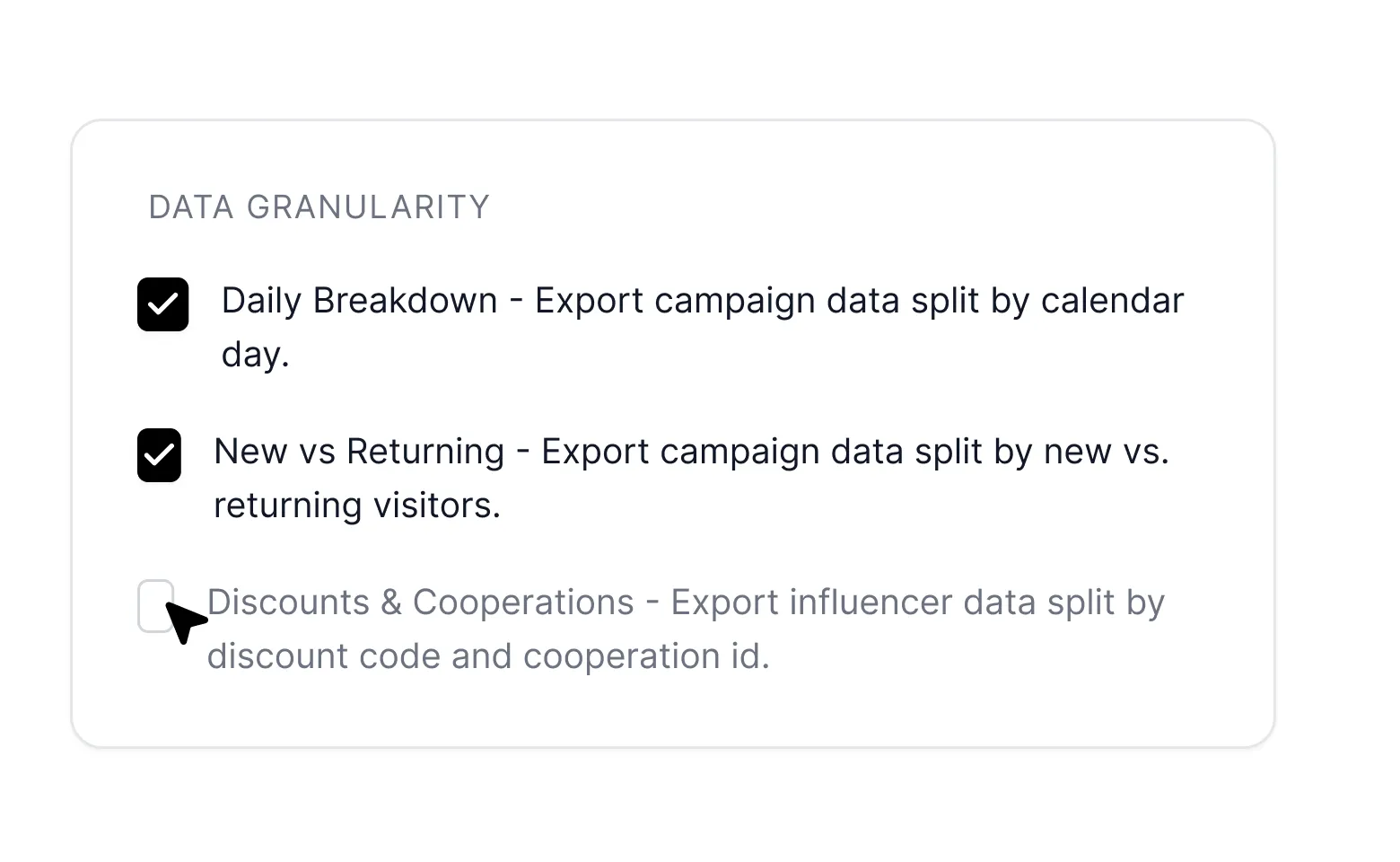
Improve your decision making with data breakdown options such as daily performance analysis, the distinction between new and returning customers and the influence of your influencer discounts and collaborations.




.webp)
.webp)
.webp)


.webp)

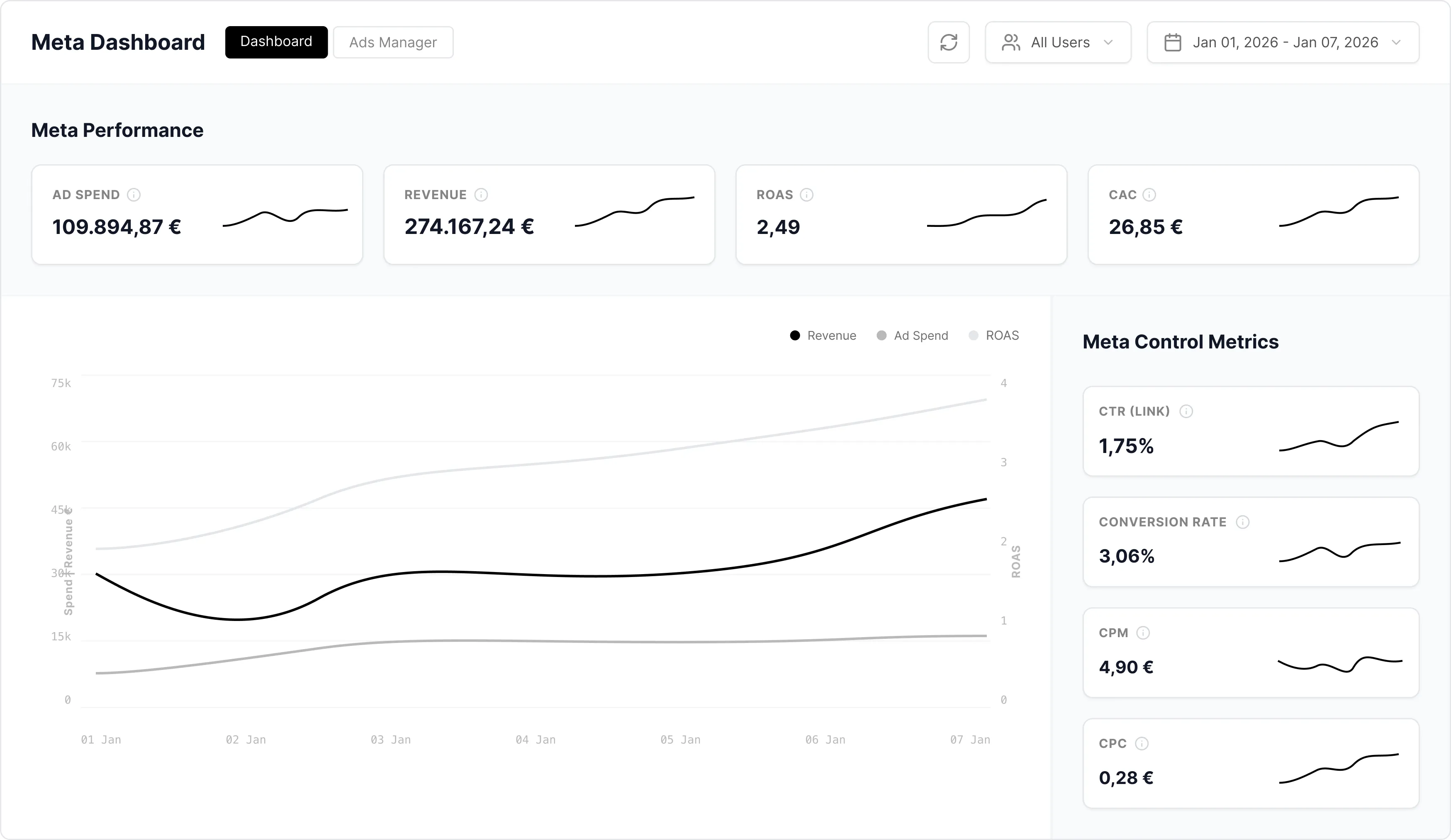
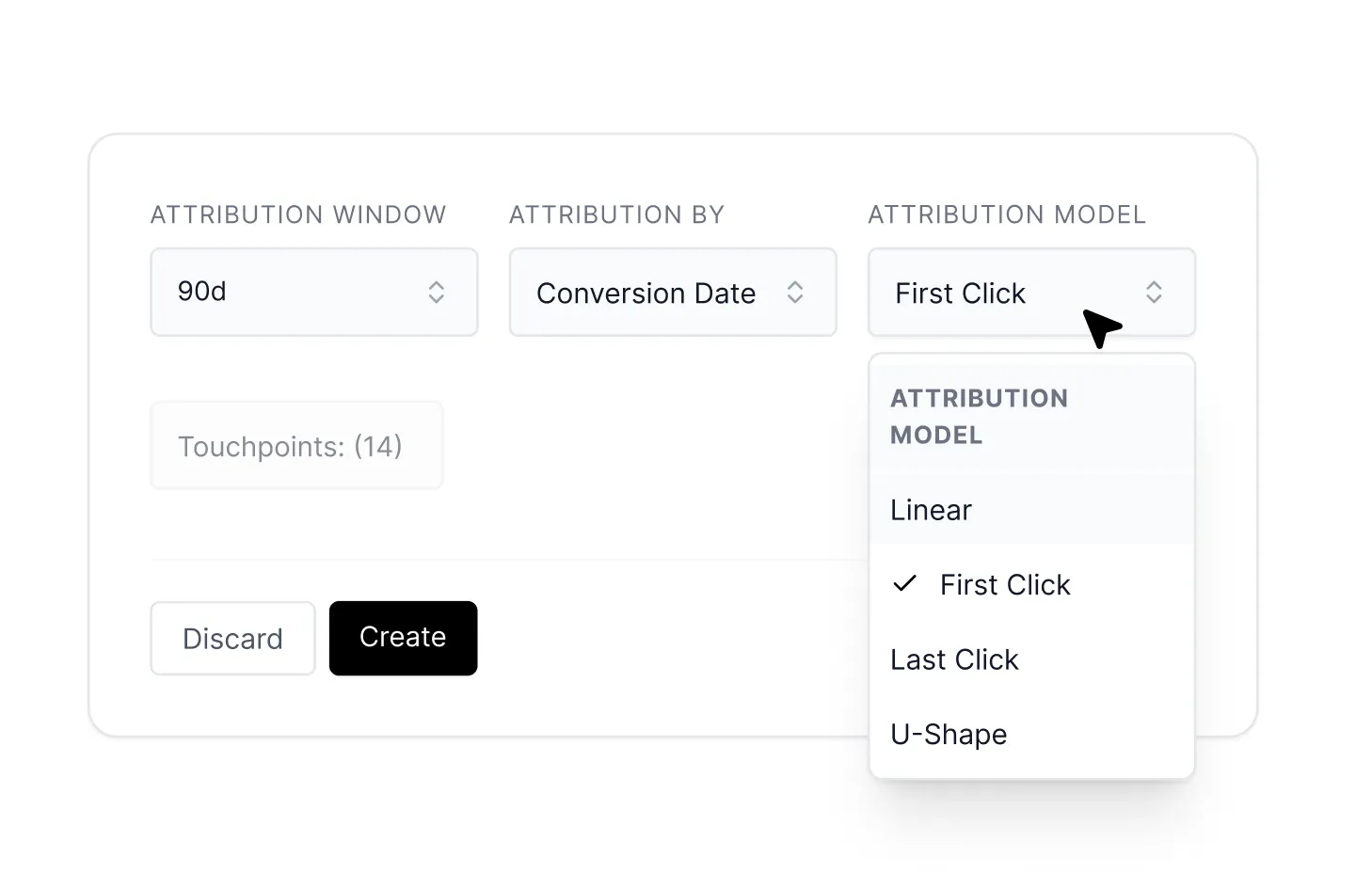
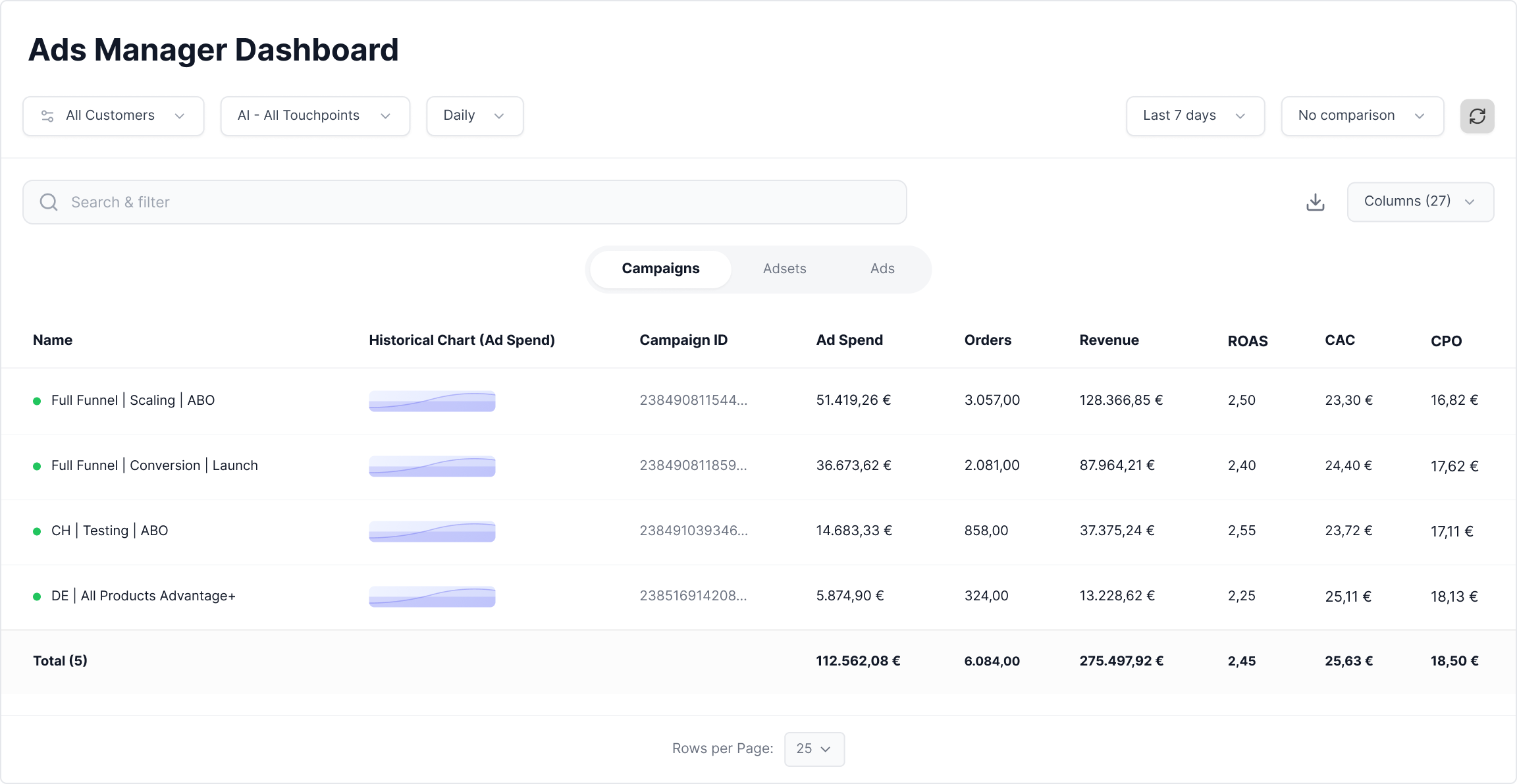

The interface is deliberately kept familiar — you can drill deep into specific campaigns, ad groups and individual ads, just like in the native Ads Manager. The key difference: your scaling decisions are based on Tracify metrics instead of platform-native reporting, which systematically over-attributes.
For media buyers and performance marketers who are used to granular drilling into campaign structures and don’t want to relearn a new interface — but want to base their decisions on superior attribution data instead of blindly trusting platform numbers.
Yes. The dashboard lets you look into different ad accounts and channels inside one unified interface — without constantly switching between Meta Business Manager, Google Ads and TikTok Ads Manager.