"Summarize last week by channel and compare revenue and CPA." Your AI tool retrieves the numbers and creates a table or chart that you can use immediately.
Feature
MCP-Server
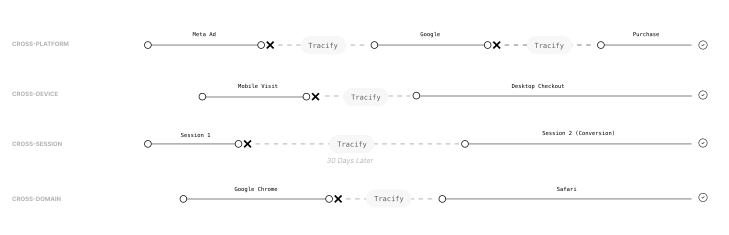
By precisely attributing value to specific touchpoints in the customer journey, you can identify the most effective channels, optimize your measures, and maximize conversions.
“We're finally getting reliable data that we can really rely on — especially when it comes to attribution across different channels. “

Over 1000+ Managed Accounts
.webp)
.webp)
.webp)


.webp)
Check this out to learn more about this feature:
Generate your weekly report.
Trace a single order.
Someone asks where a specific order or lead came from. You provide the ID and get the corresponding touchpoints. You can query your KPIs at a glance and by channel, break down a channel down to the campaign, ad set, ad, and creative level, and view thumbnails of your ads.
Compare creatives.
Which ads are currently driving revenue, and what do they look like? Thumbnails are included.
Prepare for a budget meeting.
Which channels start journeys, which ones close them, and how long does the path to conversion take?
Investigating an outlier.
Your CPA has gone up. You check the channel, then the campaign, then the ad set, until you find the source of the problem.
Analyze customer journeys
Be dynamic and analyze attribution windows that are tailored to your brand's unique sales cycles, whether they are
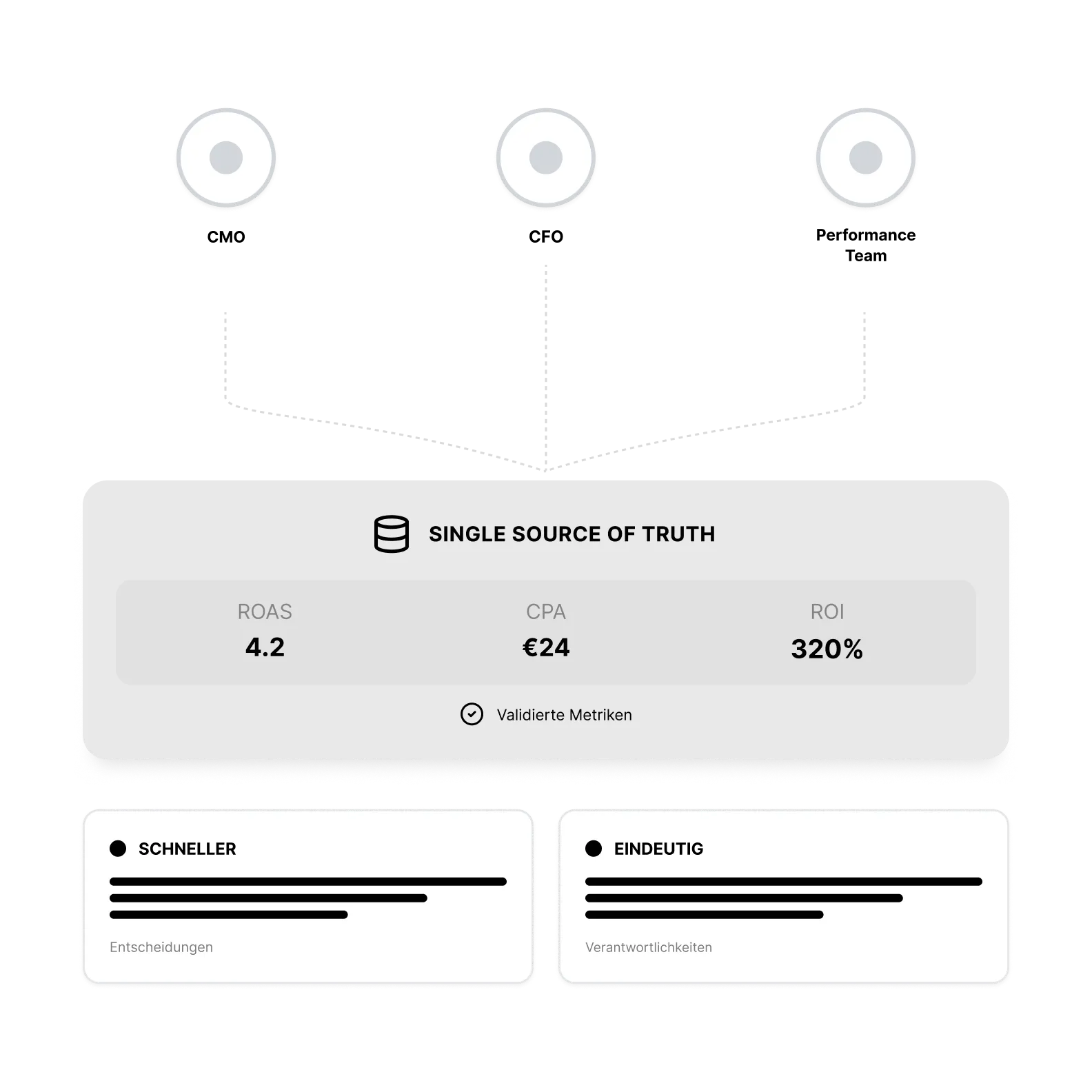
A single source of truth for the whole team
Every member of your team connects using their own Tracify account, ensuring access rights remain unchanged. Since everyone is looking at the same source, you can focus on discussing decisions rather than debating the accuracy of the numbers. This also allows colleagues who don't work with analytics tools daily to access reliable data.
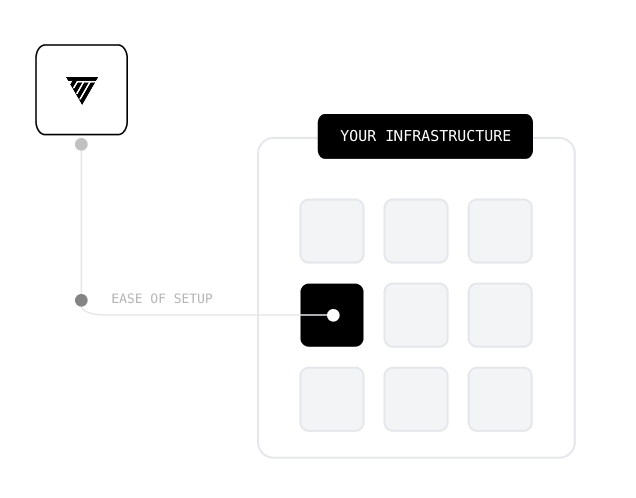
Connected in minutes
Create a connection, select your organization, and generate a token. You can set the token to remain valid for up to 365 days, which is what we recommend. Access is read-only. Your AI tool reads your data but cannot create, modify, or delete anything. You decide which tools are authorized.

Would you like to know more?
Book a demo now!
Book a demo with one of our marketing experts and find out what options are available for your online marketing.
Oops! Something went wrong while submitting the form.
FAQ
Frequently asked questions
Still have questions?
Contact our support team.
Which attribution models are available, and when should I use which one?

With all tools that support the Model Context Protocol, including Claude and ChatGPT. Technically, your tool must support MCP via streamable HTTP with Bearer token authentication.
Tracify offers five rule-based models: Last Click, First Click, Linear, U-Shape and Isolated. Last Click is great for bottom-funnel analysis, First Click for evaluating awareness channels, Linear for weighing all touchpoints equally. U-Shape puts more weight on the first and last contact, Isolated lets you look at a single channel in isolation. Important: these models complement the AI-based attribution — they’re there to compare and verify, not to replace it.
How flexible are the attribution windows — and why does that matter?
An AI tool that supports MCP and a Tracify account with access to your organization. For Claude, you need a paid plan with access to custom connectors. Setup takes just a few minutes: create a connection, authorize it for your organization, and generate a token. The token is valid for up to 365 days, after which you simply reconnect.
You can pick attribution windows freely, from 7 days up to 180+ days, tailored to your specific sales cycle. That’s especially relevant for products with long consideration phases: anyone setting a 7-day window when customers typically take 30 days to buy systematically underestimates the value of upper-funnel channels.
Can I exclude specific channels or touchpoints from the analysis?
No. Access is read-only and operates via a dedicated permission scope that only grants access to analytical data. Additionally, you decide which individual tools are authorized.
Yes. You can include or exclude individual touchpoints — for example, hide direct traffic to see the actual impact of your paid channels in isolation. Supported are Meta, Google, TikTok, Influencer, Email, WhatsApp, Microsoft Ads, Pinterest, Snapchat, Taboola, Outbrain, Criteo as well as organic and direct traffic.
What’s the difference between conversion date and click date — and when does each make sense?
Directly from your Tracify account. The preset you have selected applies, so the attribution does not change.
The conversion date shows you when a purchase happened — ideal for daily revenue reporting. The click date shows you when the upstream interactions took place — ideal for analyzing which touchpoints in a given period actually contributed to the later conversion. Both perspectives deliver different, valuable insights.
What can I query regarding the customer journey?
Touchpoints and time to conversion, the roles of your channels as initiators, holders, and closers, the most frequent conversion paths, and the touchpoints behind an individual conversion.
Can I connect multiple organizations at the same time?
Currently, you can connect one organization per connection. Support for multiple organizations is planned.
Can I use this to access my raw data?
No. You should continue to use the Tracify API for event-level and attribution-level reporting. The MCP server provides processed analytical data.
Can my entire team use this?
Yes. Each person sets up the connection using their own Tracify account, and the existing access permissions remain in effect.